

Transfer Group Ownership or Dismiss the Group Chat
1. Feature Introduction
If you are the group owner, you can transfer the group owner identity or dismiss the group chat. After the group chat is dismissed, all members in the group will be automatically removed.
- Only the group owner can perform this operation. Group administrators and group members cannot perform this operation.
2. Operation Process
Transfer Group Ownership
Desktop
-
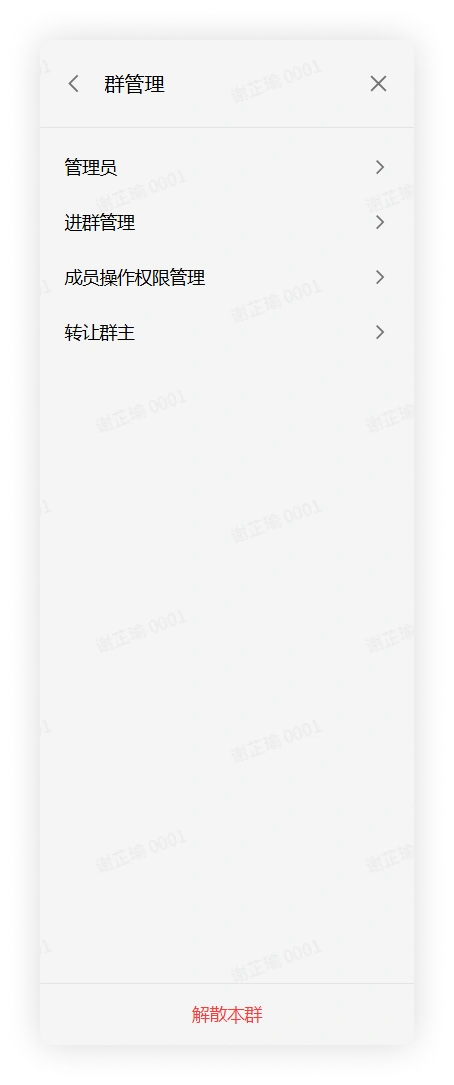
Click the "More Group Info" button in the upper right corner of the group chat > click Group Management to enter the corresponding interface.
-
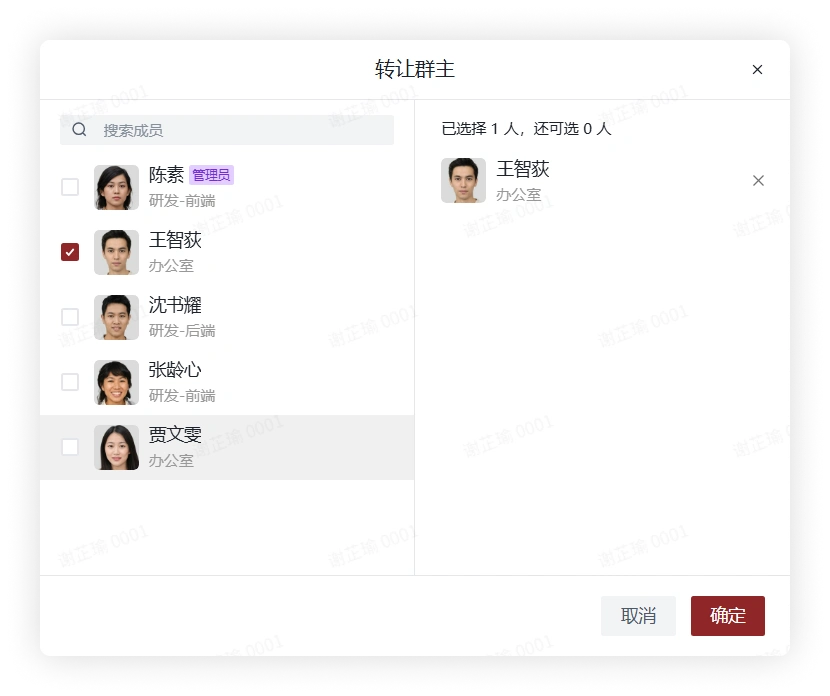
Click Transfer Group Owner, check a member in the pop-up window, and click Confirm to transfer the group owner to that group member.
Mobile
-
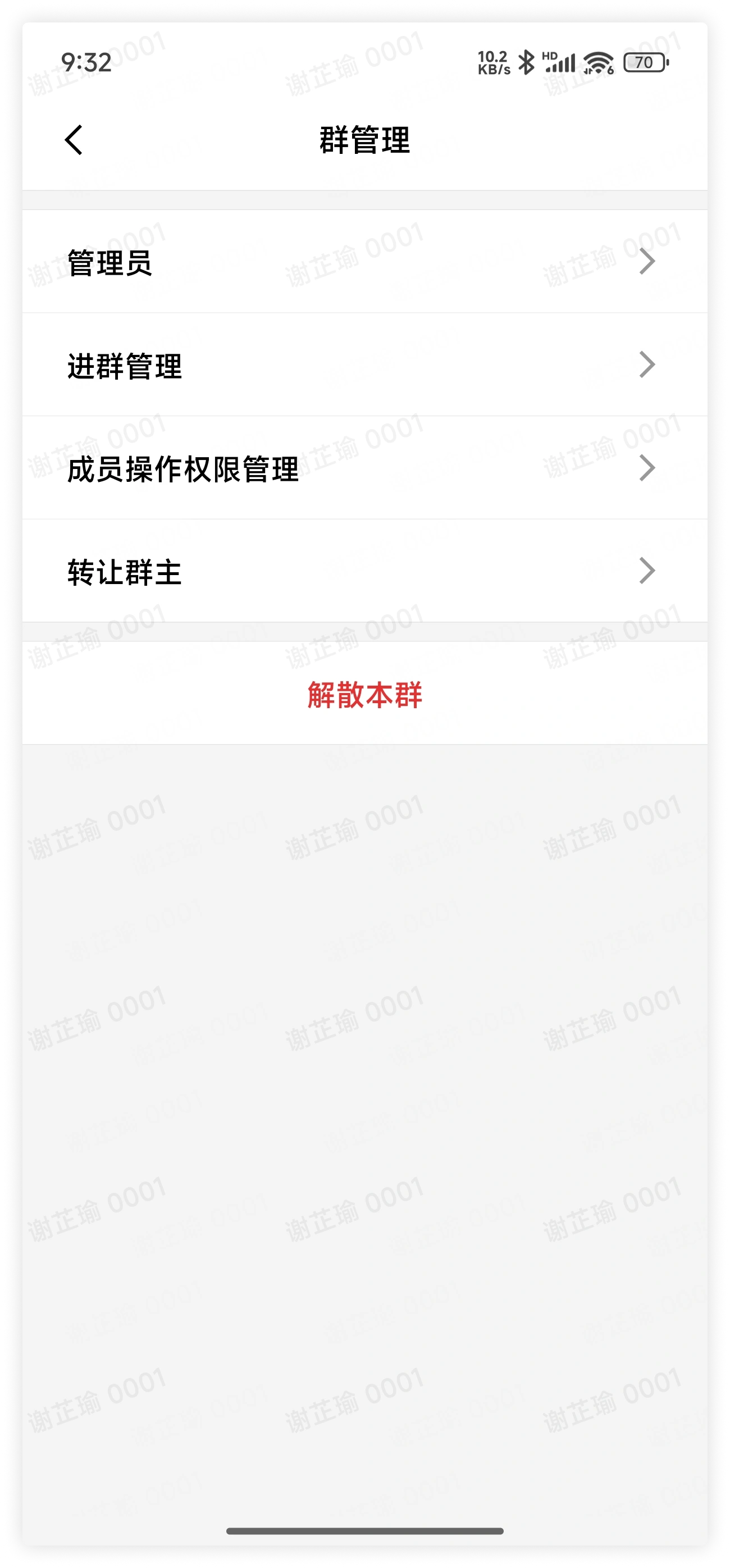
Click the "More Group Info" button in the upper right corner of the group chat > click Group Management to enter the corresponding interface.
-
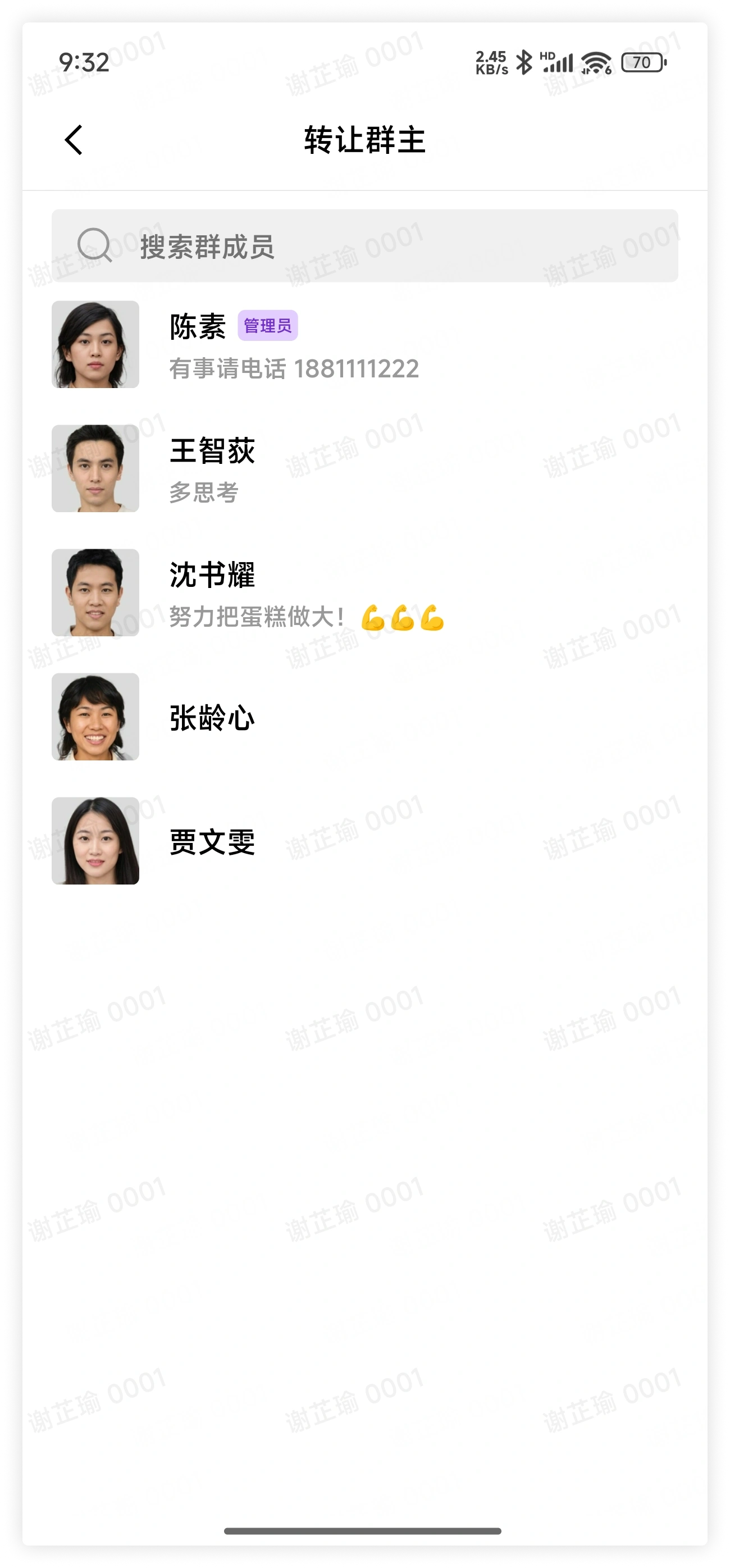
Click Transfer Group Owner, check a member in the pop-up window, and click Confirm to transfer the group owner to that group member.
Dismiss the Group Chat
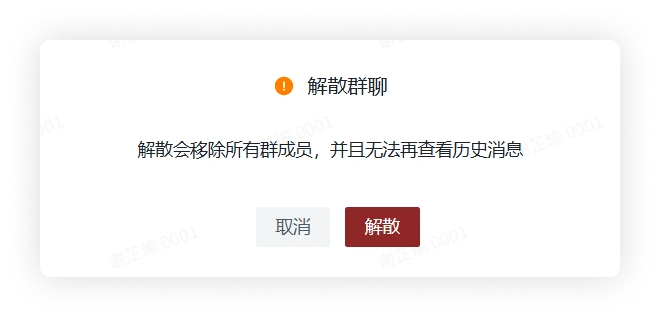
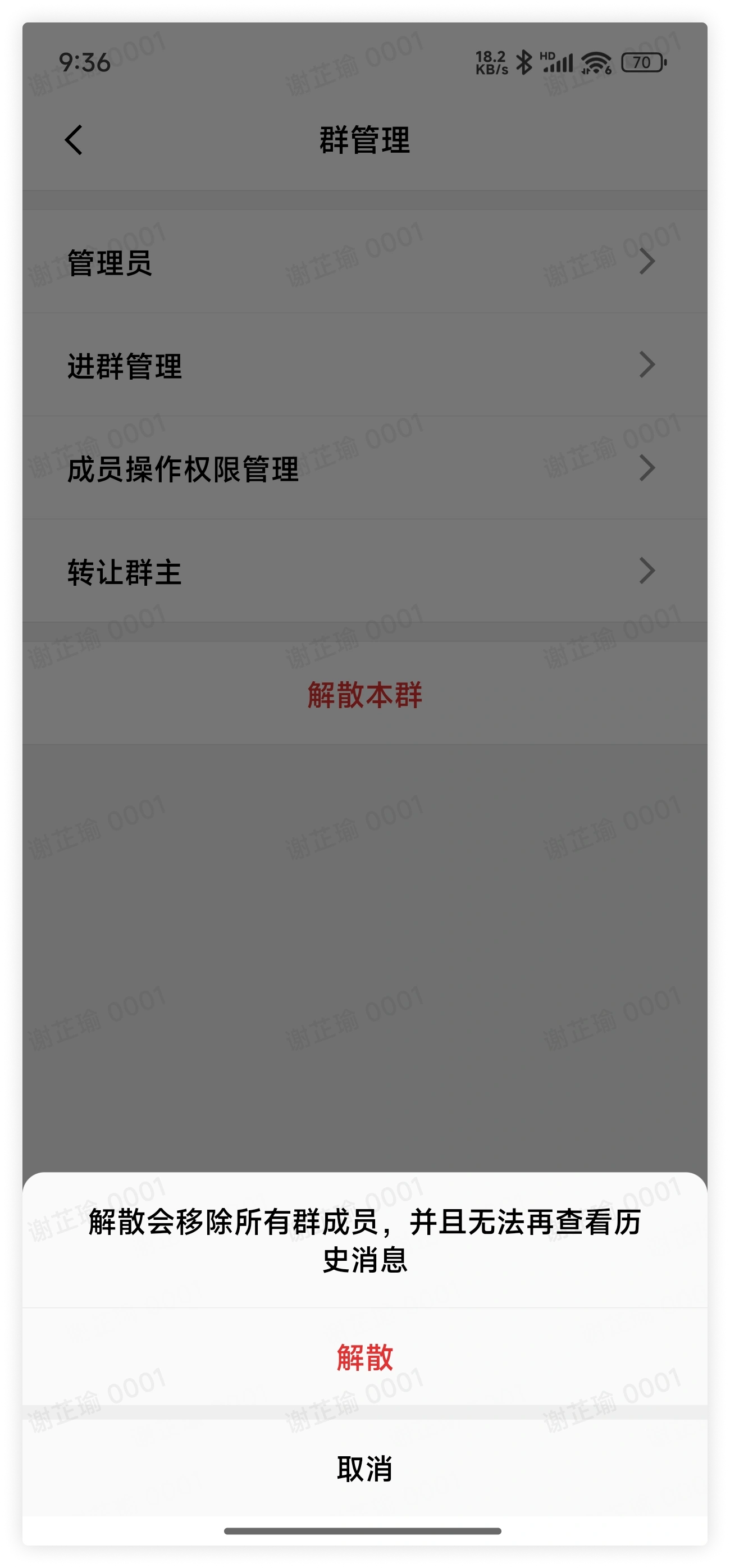
- The group chat cannot be restored after dismissal. Please proceed with caution.
Desktop
-
Click the "More Group Info" button in the upper right corner of the group chat > click Group Management to enter the corresponding interface.
-
Click Dismiss This Group at the bottom > Dismiss.
Mobile
-
Click the "More Group Info" button in the upper right corner of the group chat > click Group Management to enter the corresponding interface.
-
Click Dismiss This Group at the bottom > Dismiss.
3. FAQ
Q: If a member resigns before transferring the group owner identity to someone else, who will become the new group owner?
A:
- For department groups, if the administrator transfers the department group resources created by the member to another designated member when handling the member's resignation, that designated member will become the new department group owner; if the administrator does not transfer the department group resources created by the member to another designated member when handling the member's resignation, the first member who joined the current group chat other than the group owner will automatically become the group owner.
- For other internal groups that are not department groups, the first member who joined the current group chat other than the group owner will automatically become the group owner.
Q: Can a dismissed group chat be restored?
A: No.