Use the Hide Chat Feature
1. Feature Introduction
Hide a chat. Before receiving messages from the chat or actively searching for it, the chat cannot be found.
2. Operation Process
Desktop
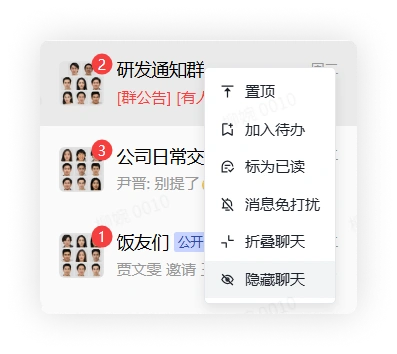
In the chat list, select a chat, right-click it, and click Hide Chat to hide the chat.
Mobile
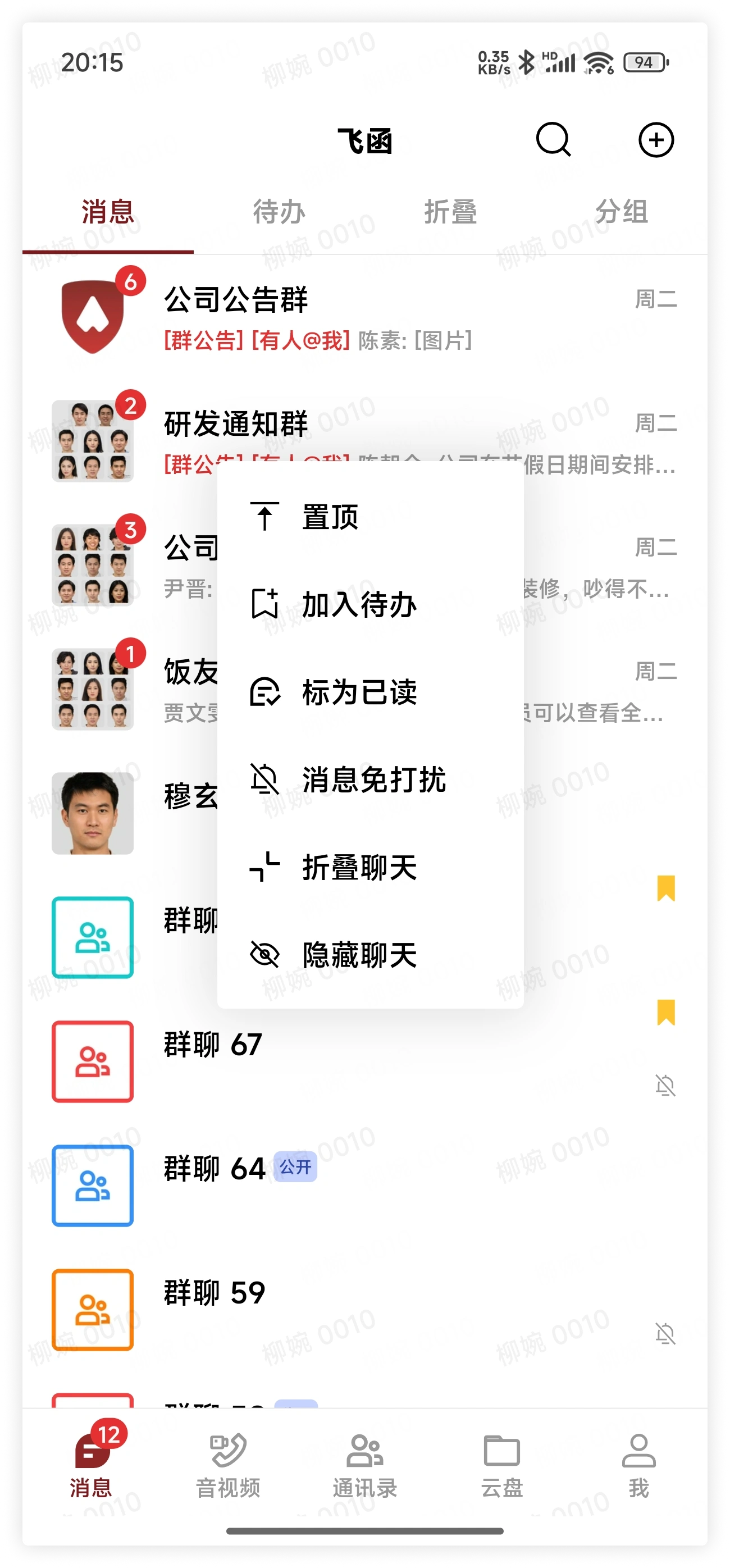
In the chat list, select a chat, long press the chat, and click Hide Chat in the pop-up menu to hide the chat.
View Hidden Chats
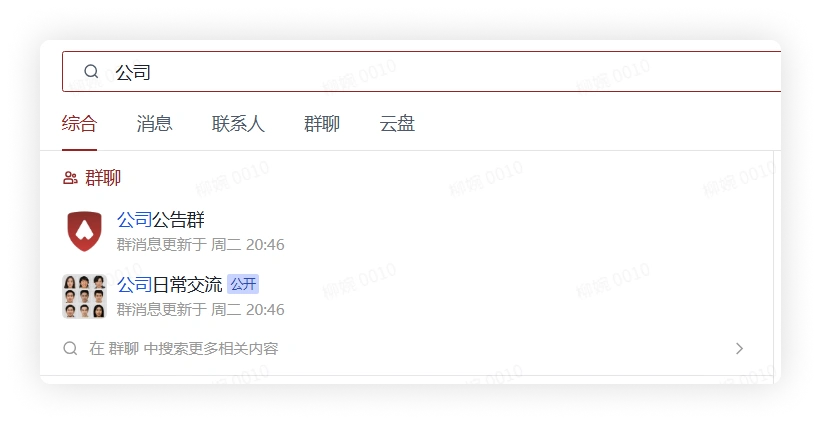
Use the search function to search for the name of the hidden chat you need to find, or search for members contained in the hidden chat, or search for message content in the chat, and you can find it.