Use the To-Do Feature
1. Feature Introduction
You can mark a chat as to-do to remind users that there are matters in the chat that need to be handled.
2. Operation Process
Desktop
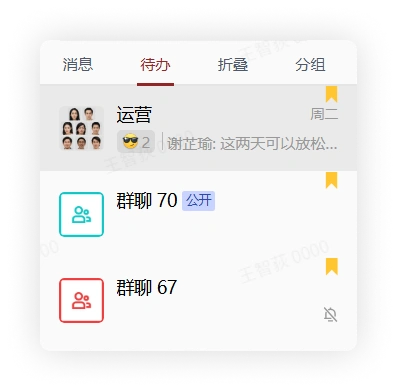
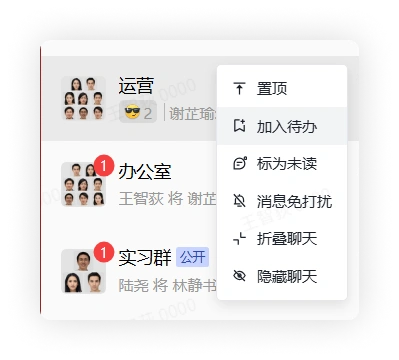
In the chat list, select a chat, right-click it, and click Add to To-Do. A yellow corner marker will appear in the upper right corner of the chat, and the chat will appear in the "To-Do" group.
Mobile
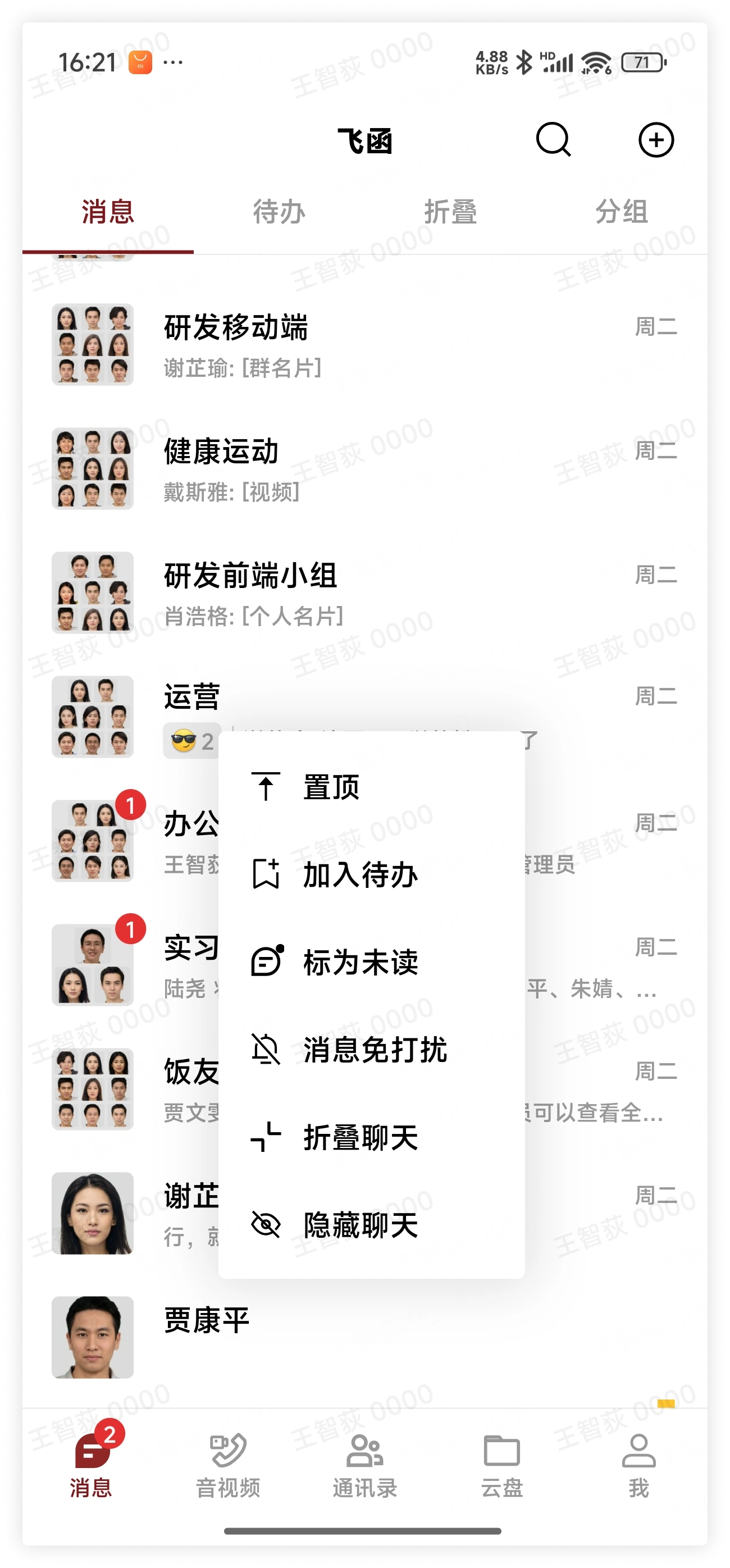
In the chat list, select a chat, long press it, and click Add to To-Do. A yellow corner marker will appear in the upper right corner of the chat, and the chat will appear in the "To-Do" group.
View All To-Do Chats
Click "To-Do" at the top of the chat list to view all chats marked as to-do.