

Desktop - Login Guide
To log in on desktop, you need to set the server information and login mode before you can log in normally.
Open the Software
1. Set the Server
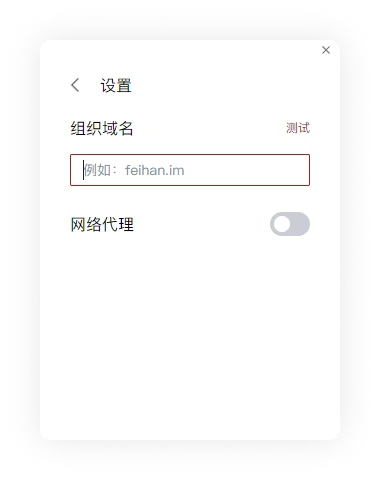
After installation is complete, you will enter the login interface. Click the settings button in the upper right corner and fill in the organization domain name.
2. Choose a Login Method
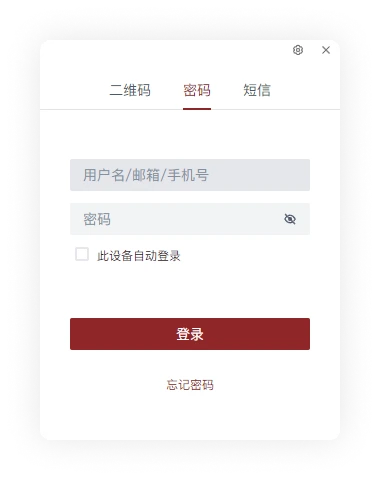
Feihan supports three login modes. You can choose one of QR code login, account password login, and SMS verification code login.
-
Account Password Login
-
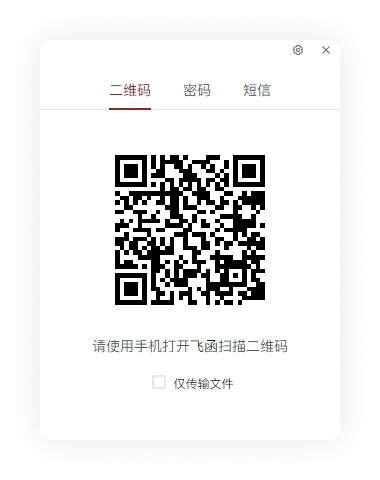
QR Code Login
QR code login requires first logging in successfully on the mobile client, then using the Scan feature on the mobile client to log in.
-
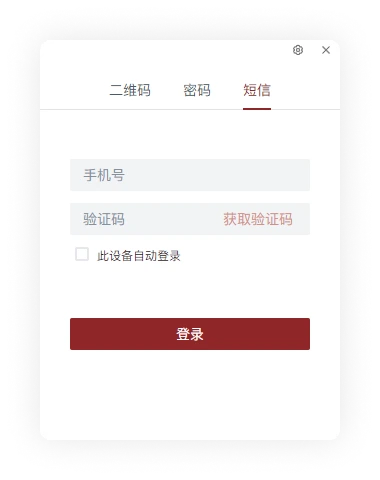
SMS Verification Code Login
After entering the mobile phone number, use the SMS verification code to verify and log in.
Please choose the login mode and complete the relevant information input according to the administrator's requirements.