Contacts User Guide
1. Windows Client
1.1 Contacts Interface
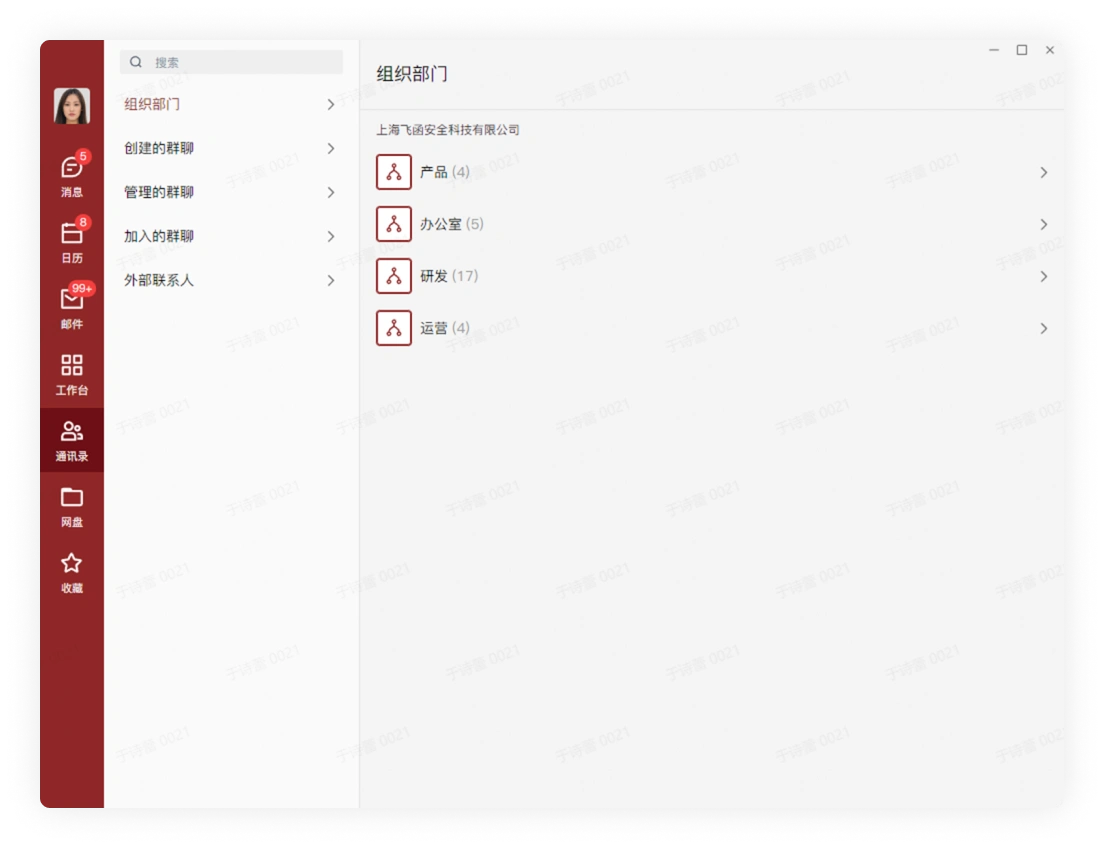
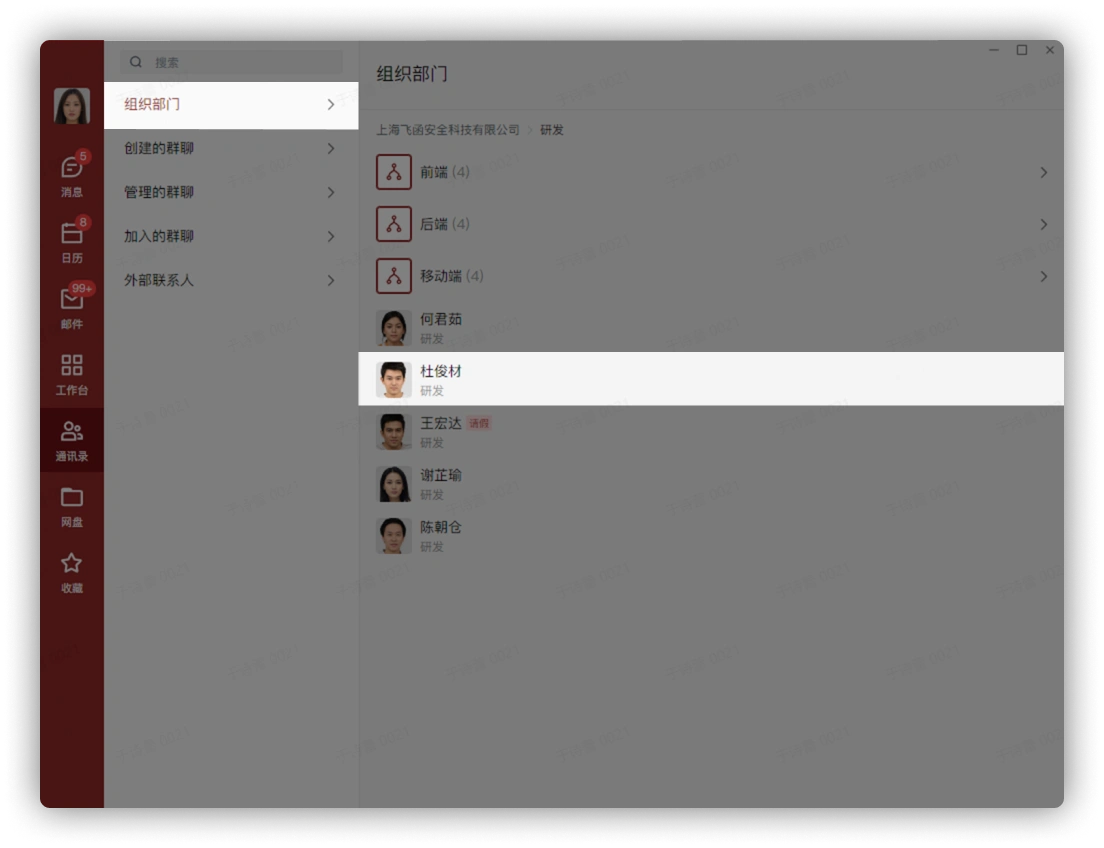
The clear and concise real-name organizational structure is updated in real time. You can click to enter a specific department and click to view colleague information.
1.2 Find Colleagues in Contacts
You can find them in the following ways:
-
Directly click the organization department to find them
-
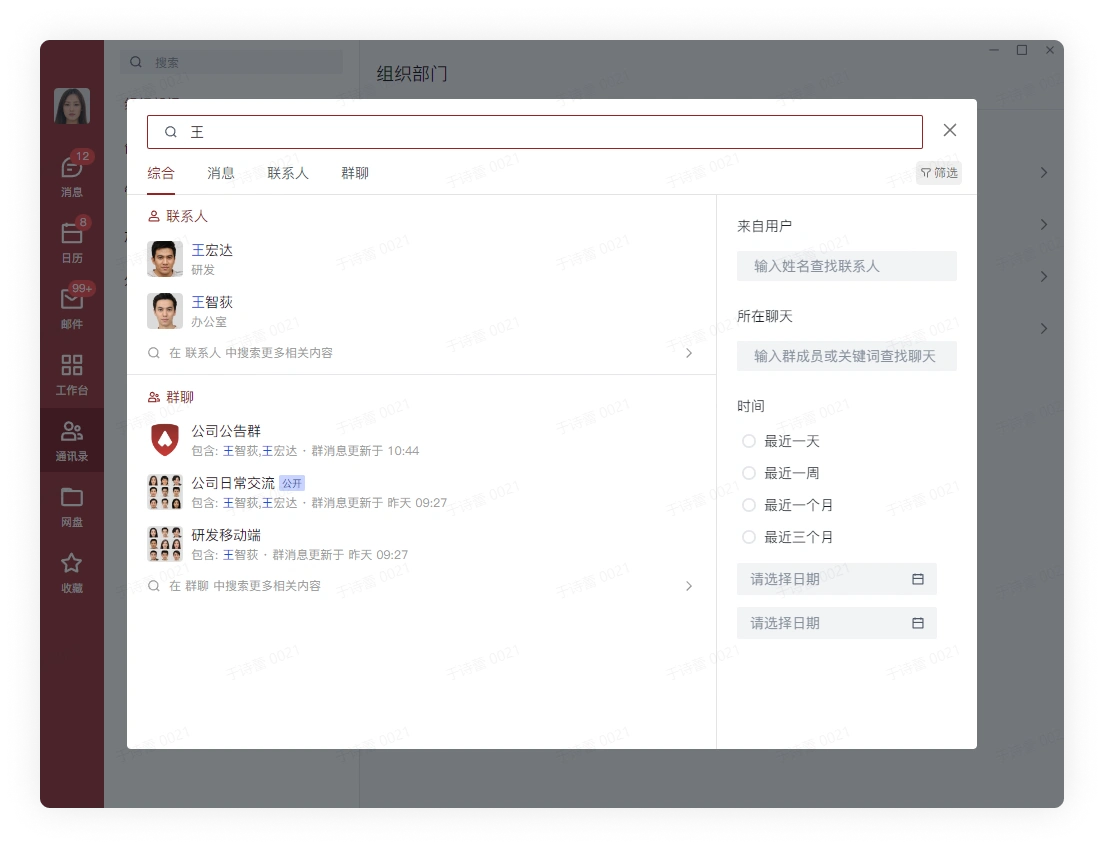
Click the search box, and enter a name or pinyin in the search box for fuzzy search
2. Mac Client
3. Linux Client
4. Mobile Client
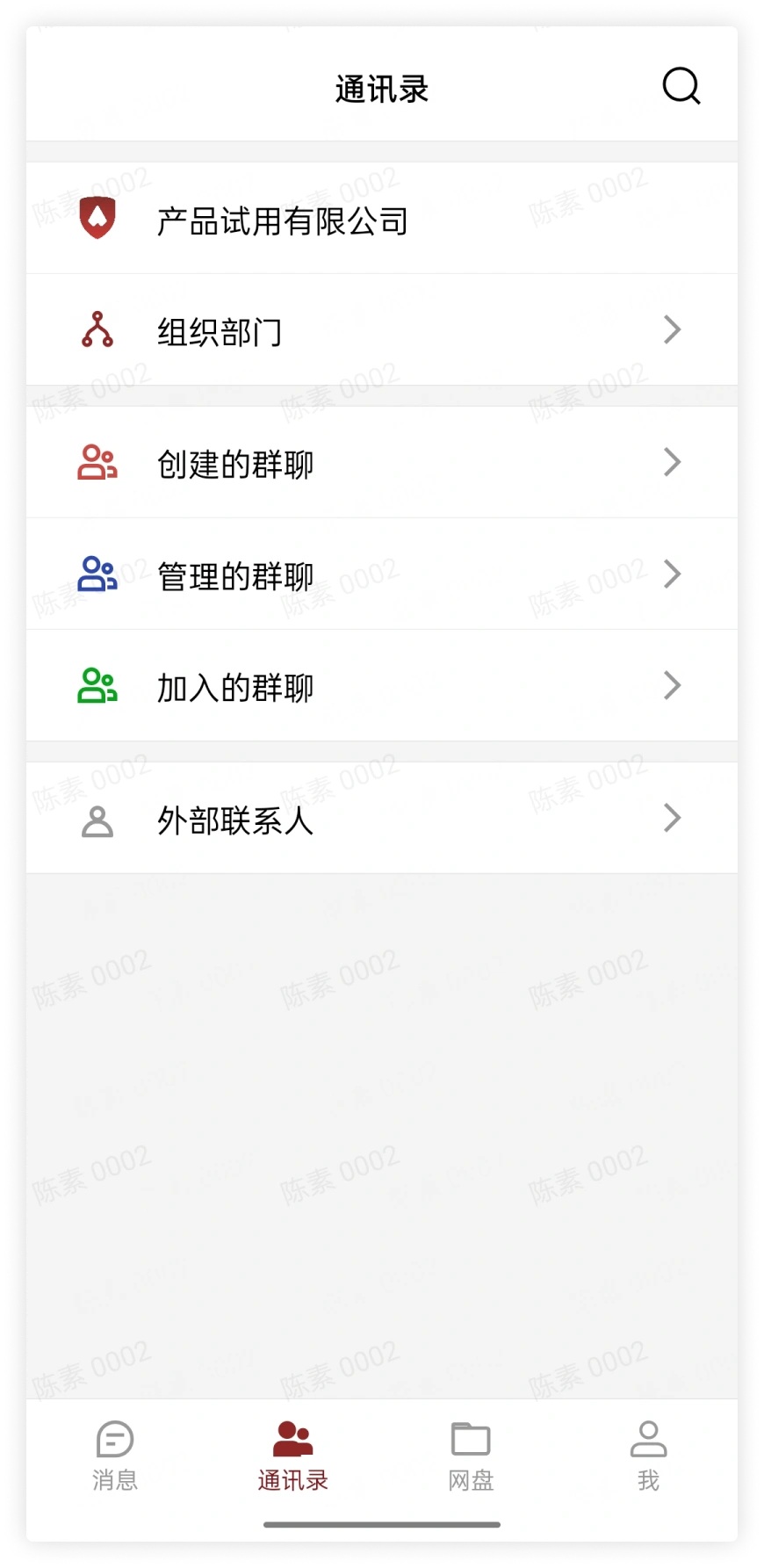
4.1 Contacts Interface
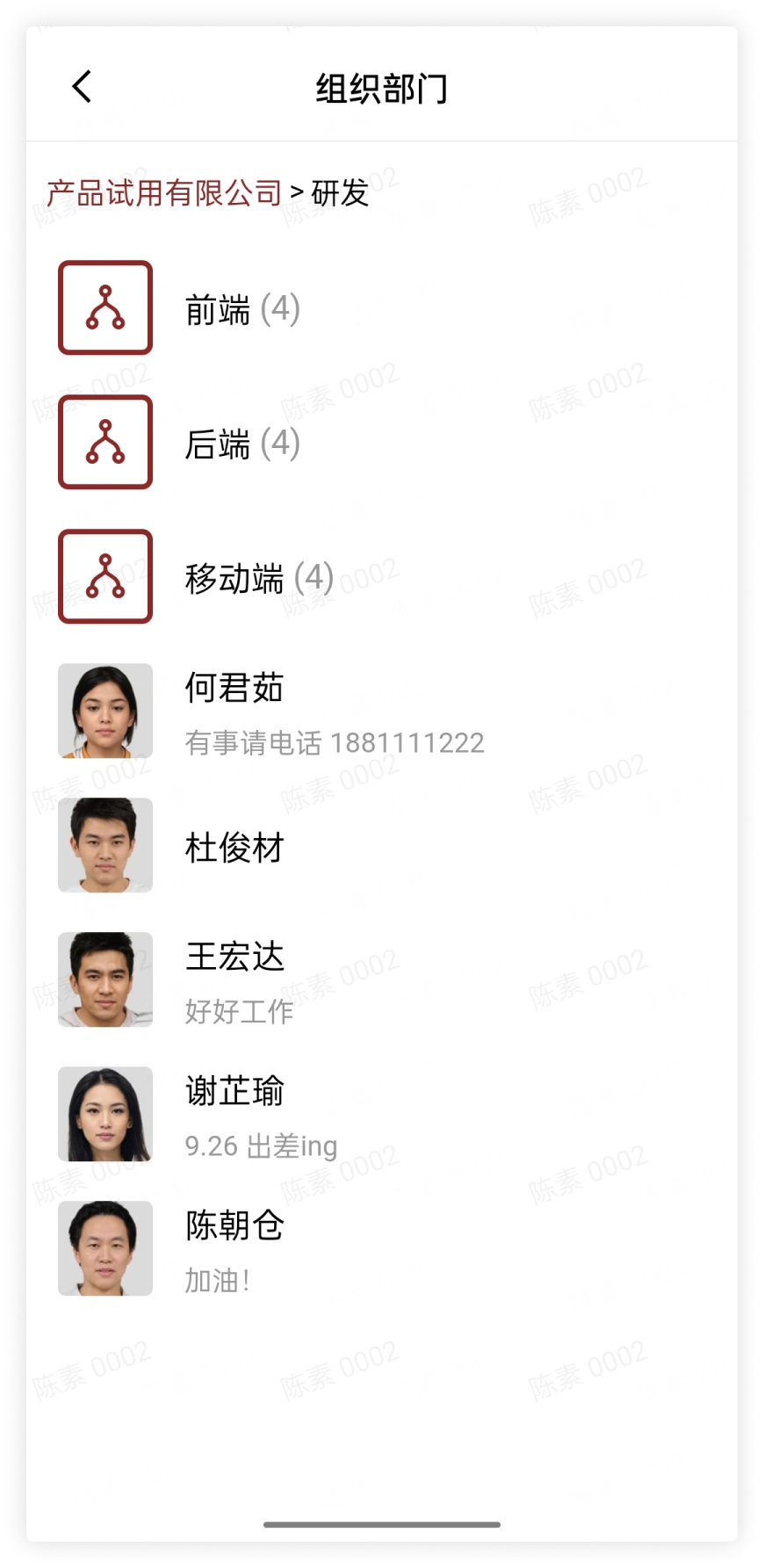
The clear and concise real-name organizational structure is updated in real time. You can click the organization department to enter a specific department and click to view colleague information.
4.2 Find Colleagues in Contacts
You can find them in the following ways:
-
Directly click the organization department to find them
-
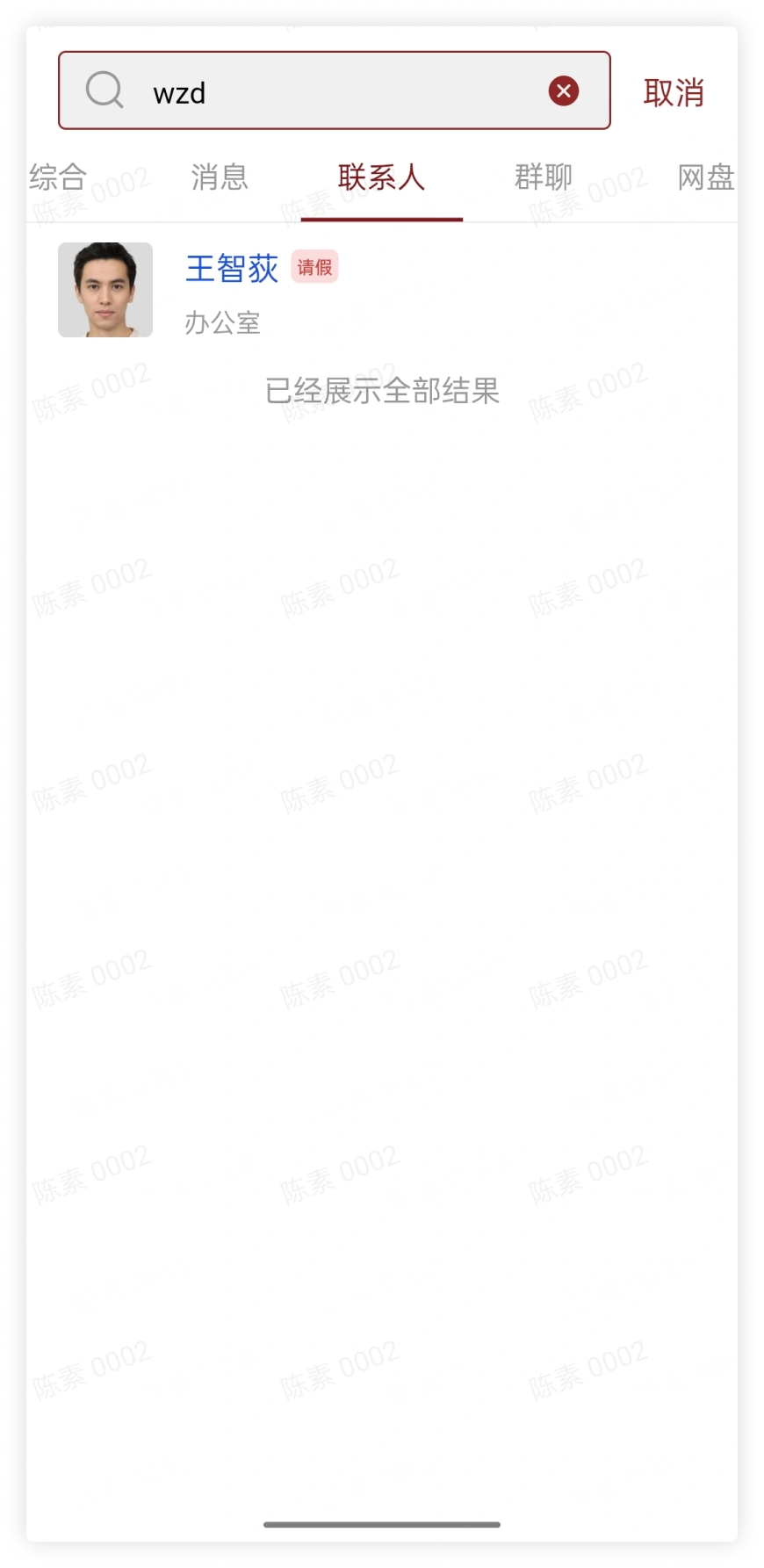
Click the search box, and enter a name or pinyin in the search box for fuzzy search