Server Settings
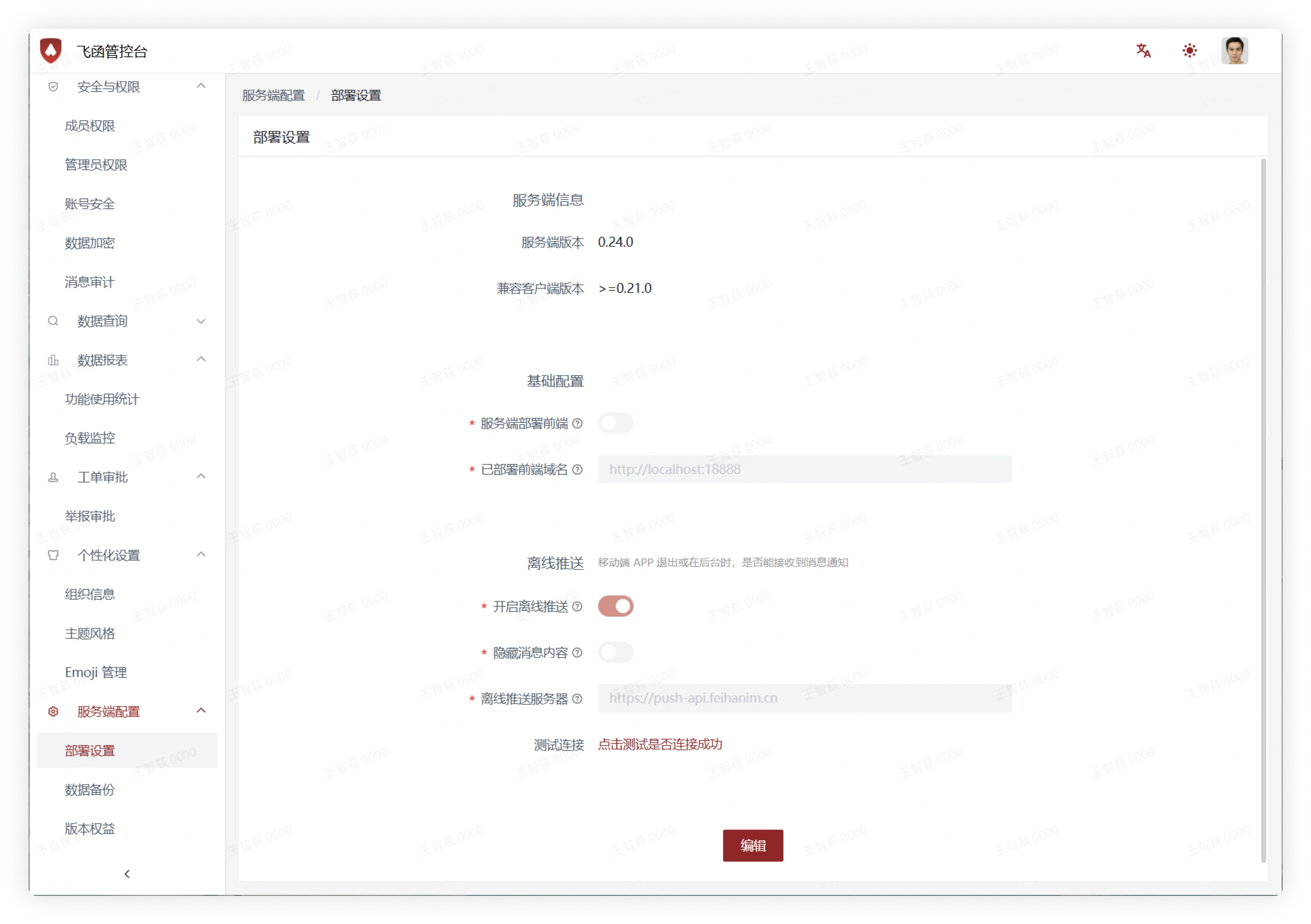
Deployment Settings
- On this interface, you can view and edit server settings.
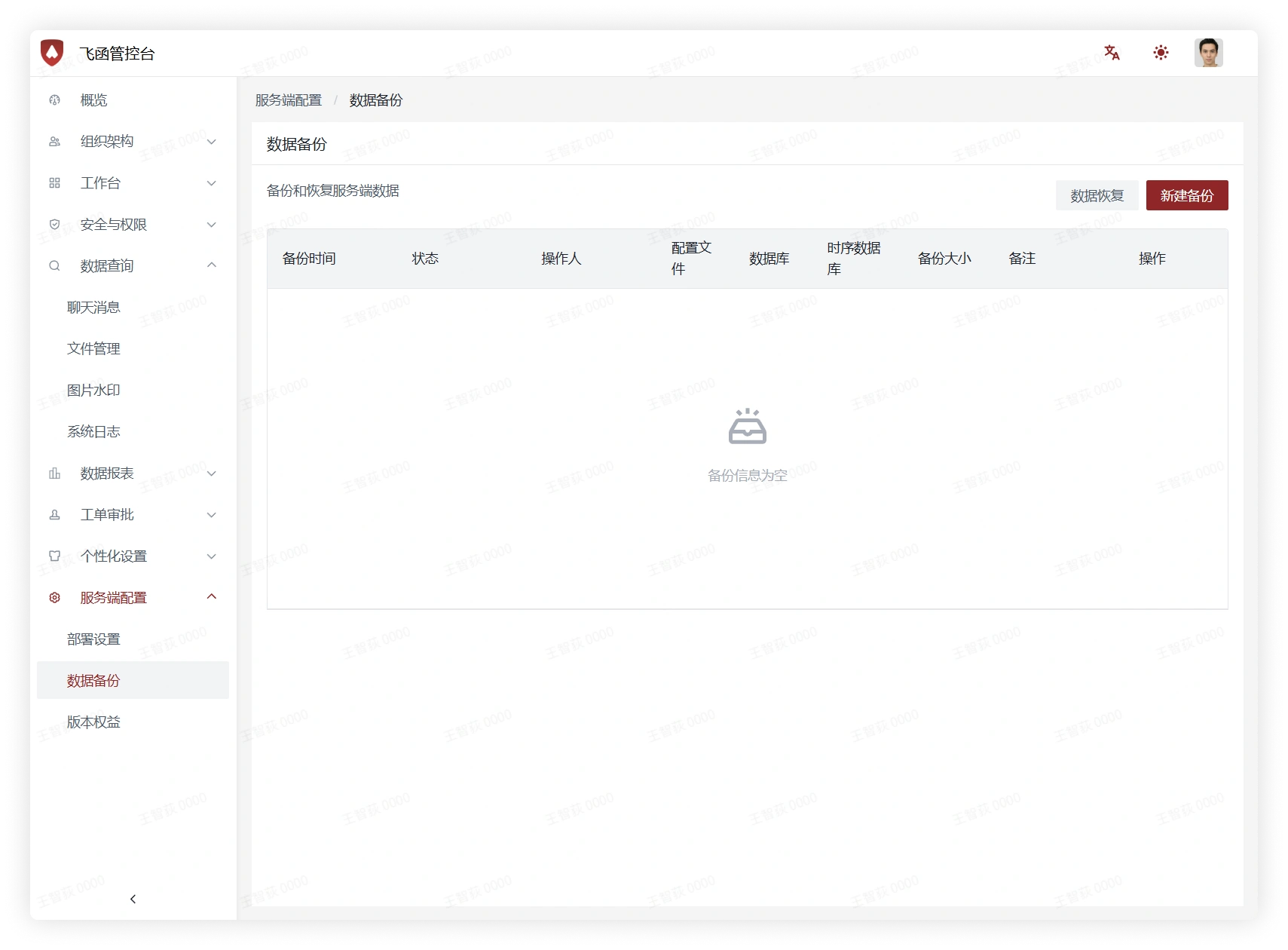
Data Backup
- On this interface, you can back up and restore server data.
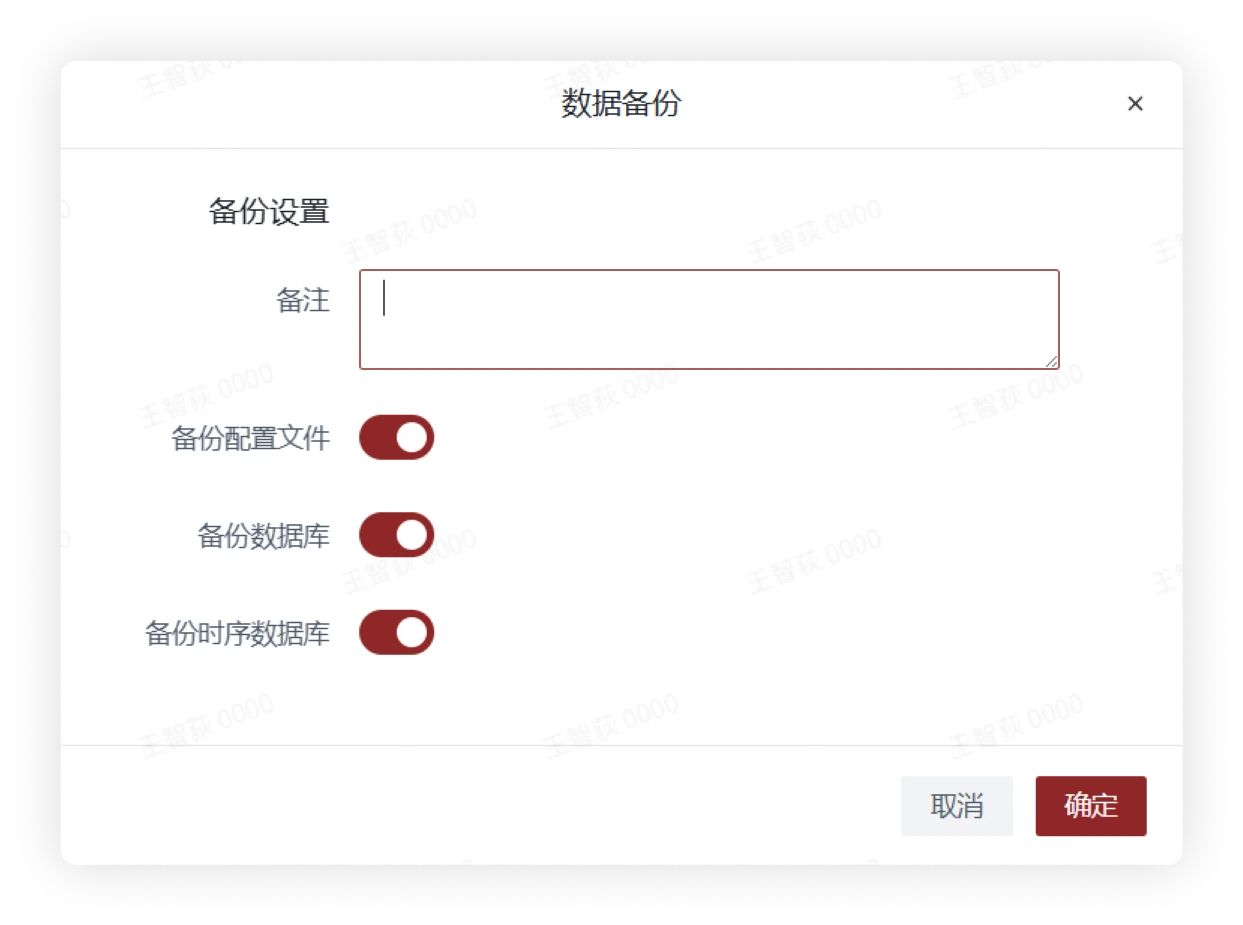
- Click New Backup, fill in the remarks and check the backup conditions in the pop-up window, then click Confirm to generate a current data backup.
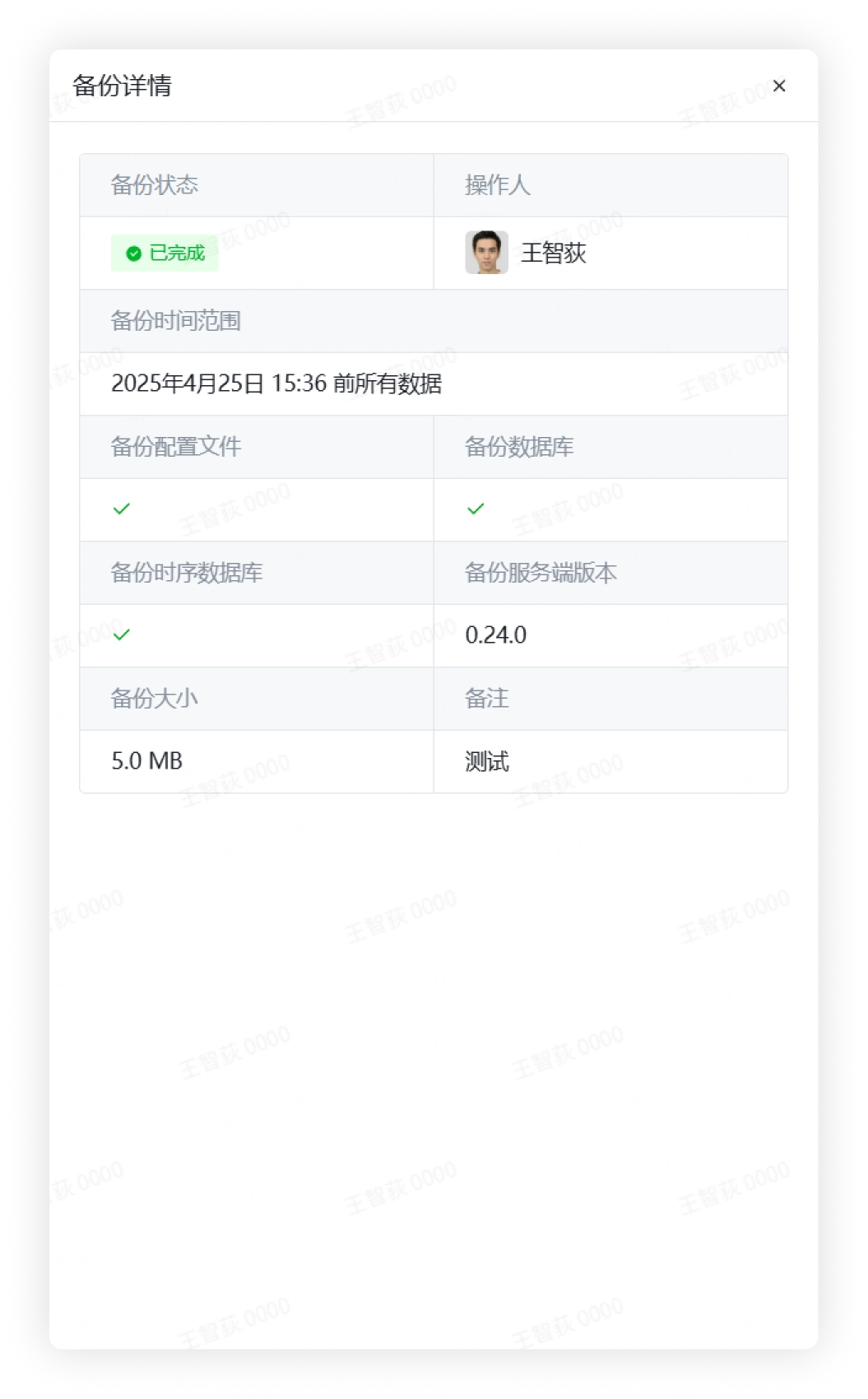
- Click Details to view detailed backup data.
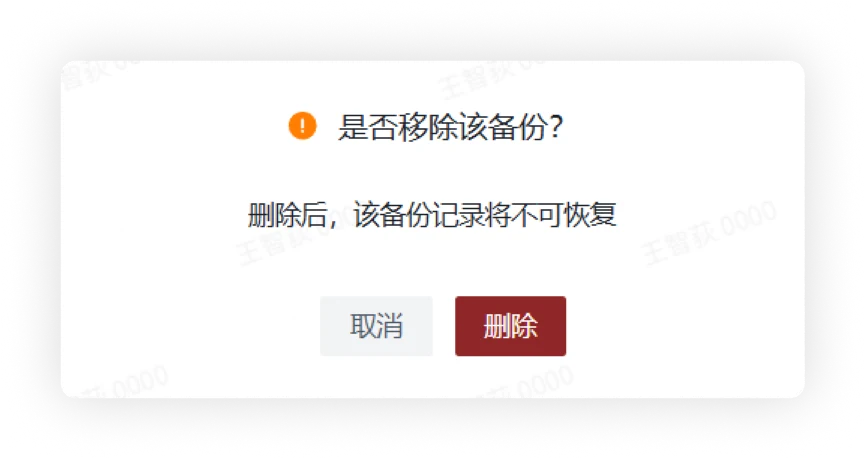
- Click the More button on the right side of Details, and in the pop-up menu you can choose to delete the backup.
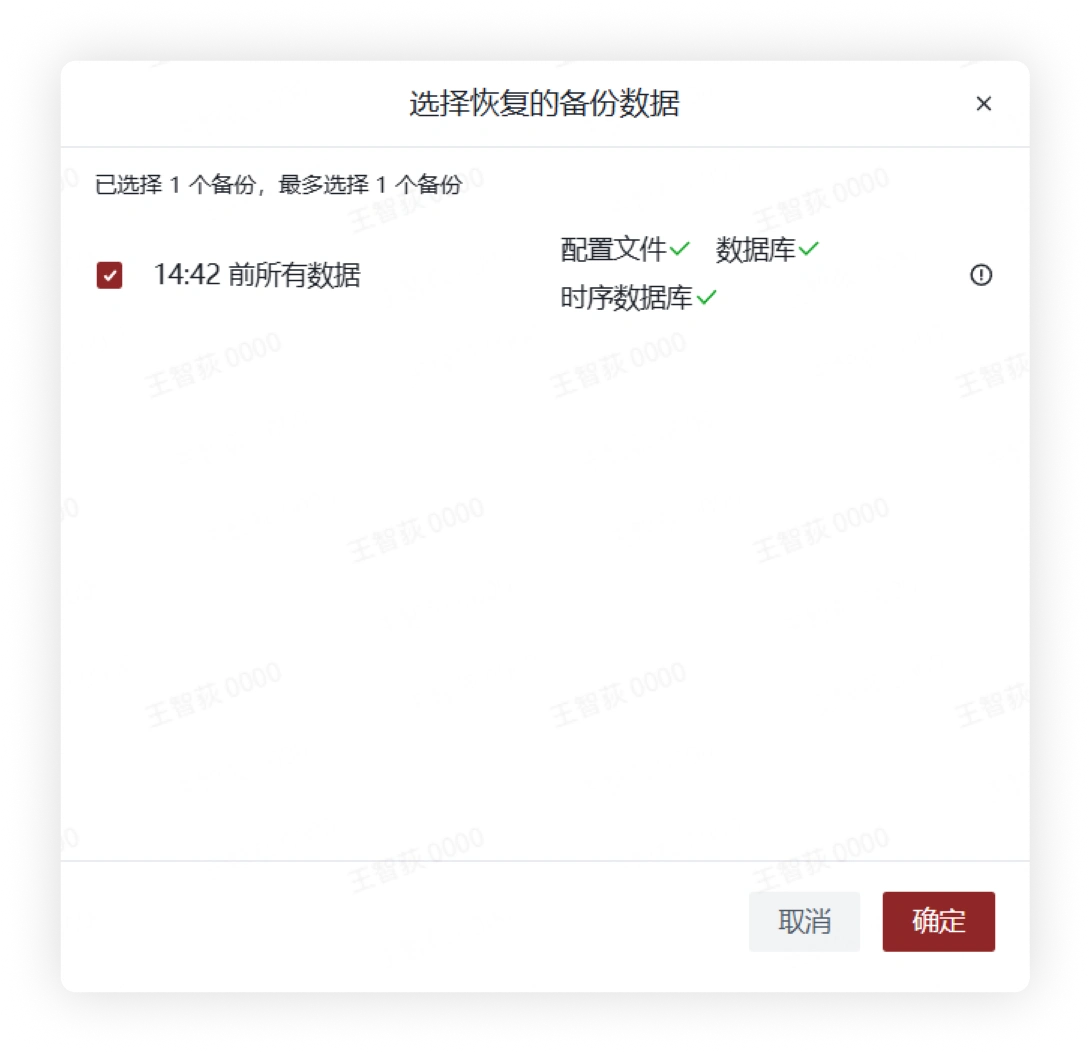
- After clicking Data Restore, select the backup data in the pop-up window, then click Confirm to restore the data.
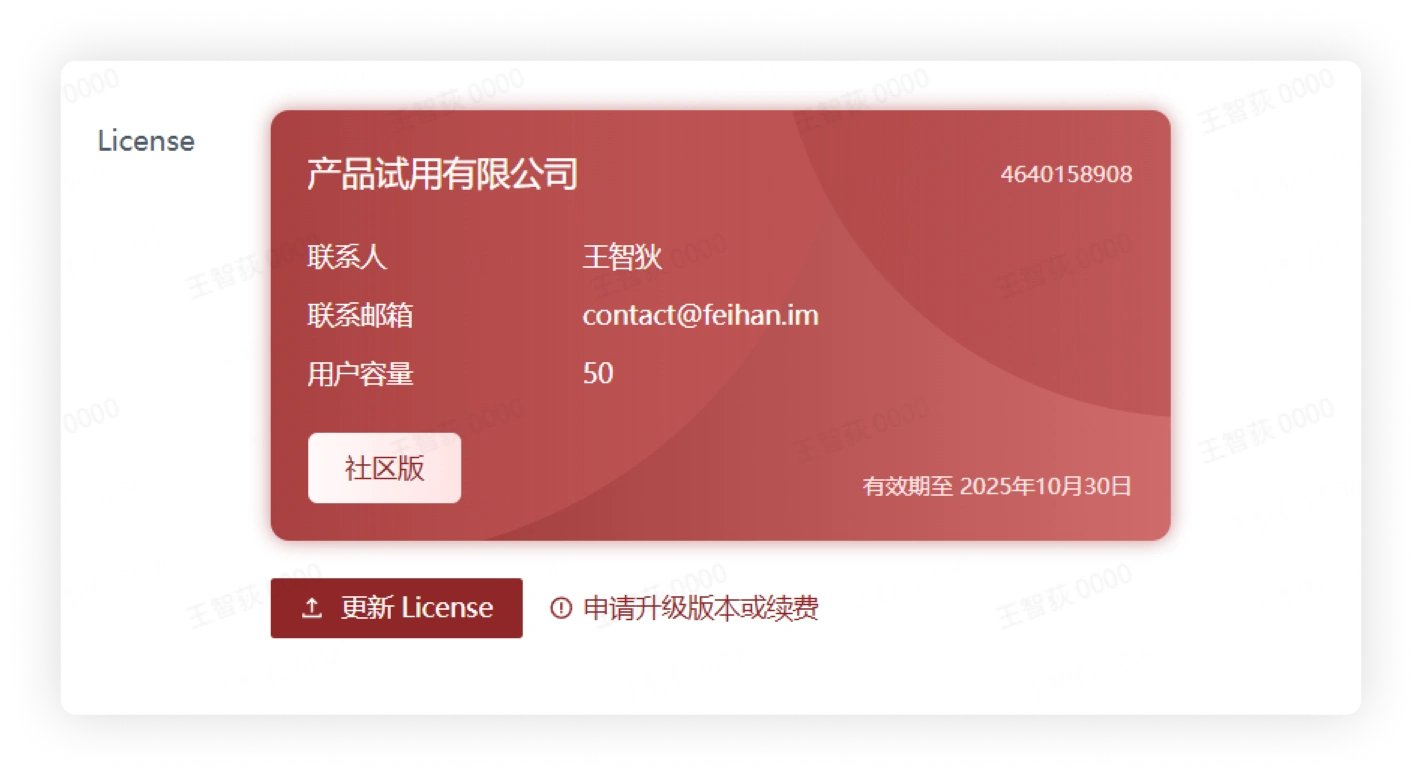
Version Rights
- On this interface, you can view License-related information.